
The Guide for Ocarina of Time
Unofficial Zelda walkthrough · iPhone and iPad
Download The Guide for Ocarina of Time on the App Store
Free: chapters I to III. The complete guide: $1.99, once.
18
chapters, from Kokiri Forest to Ganondorf’s Castle, and 12 side quests.
- 52maps, pins numbered
- 36Heart Pieces, counted
- 65changes in the remake
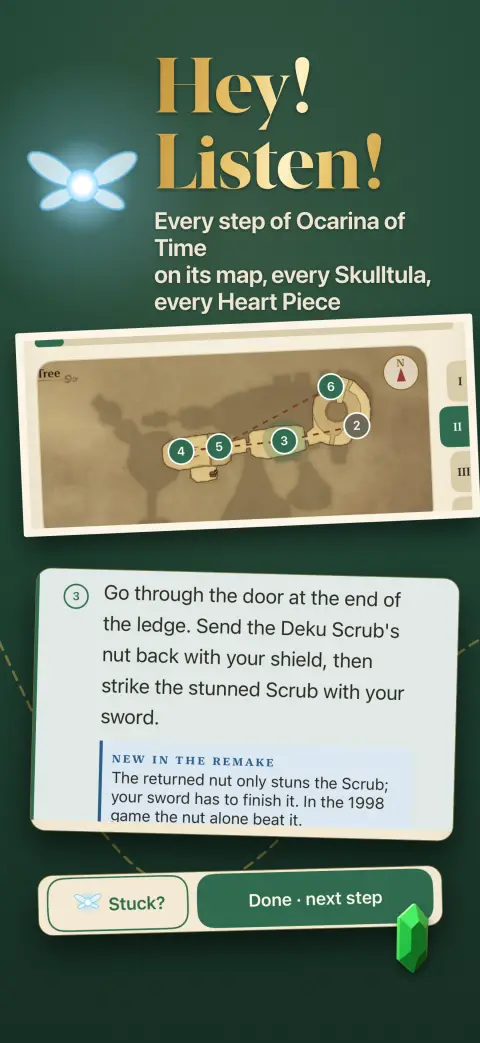
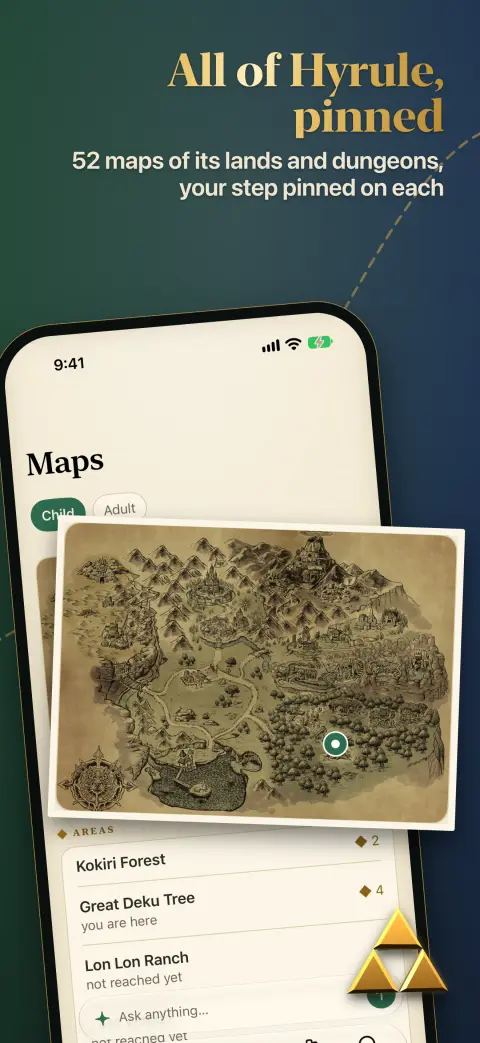
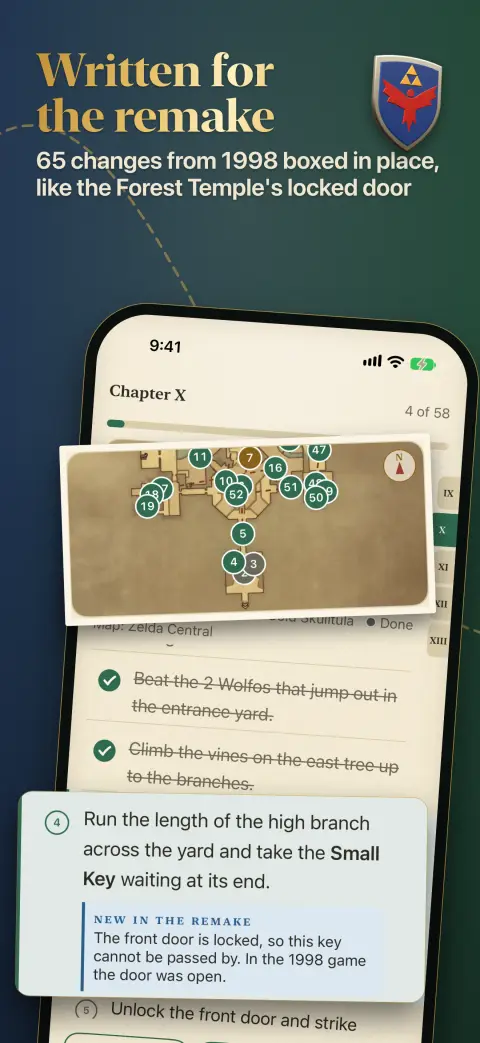
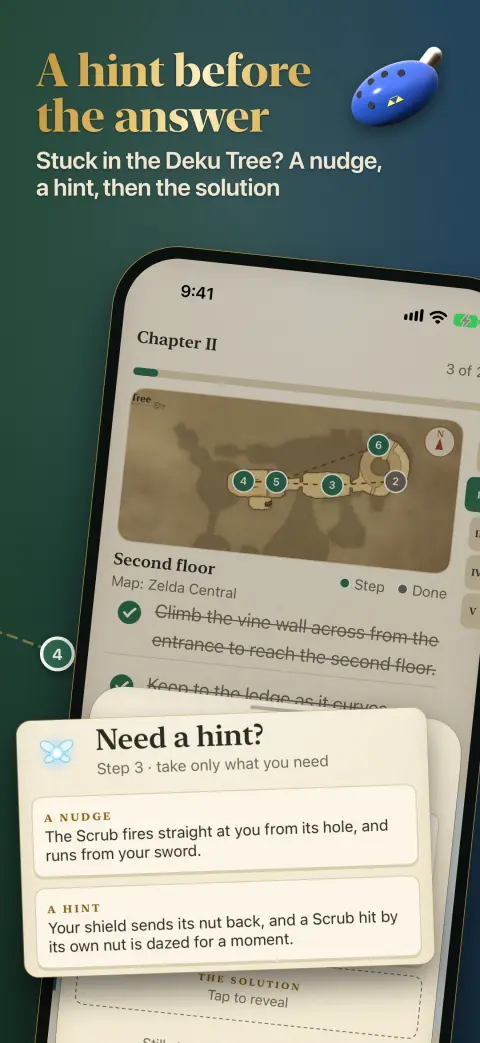
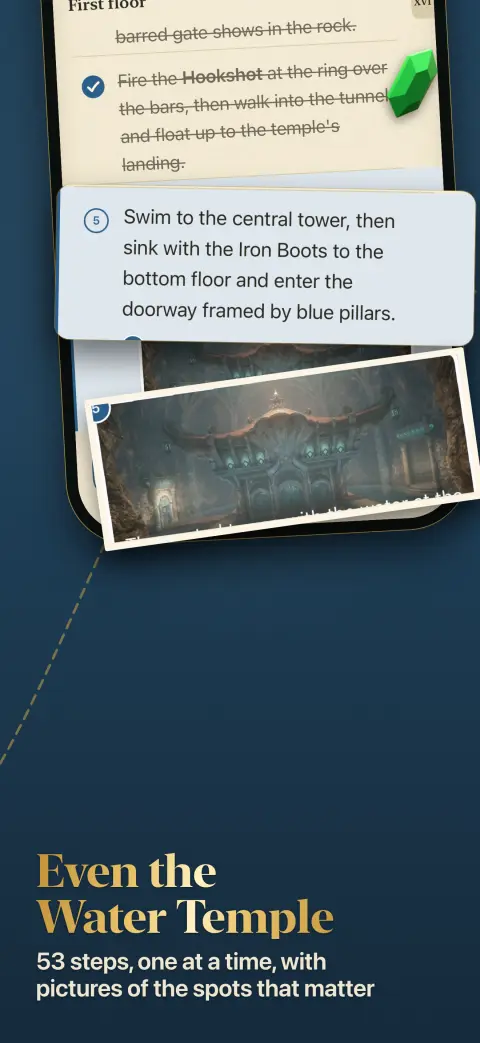
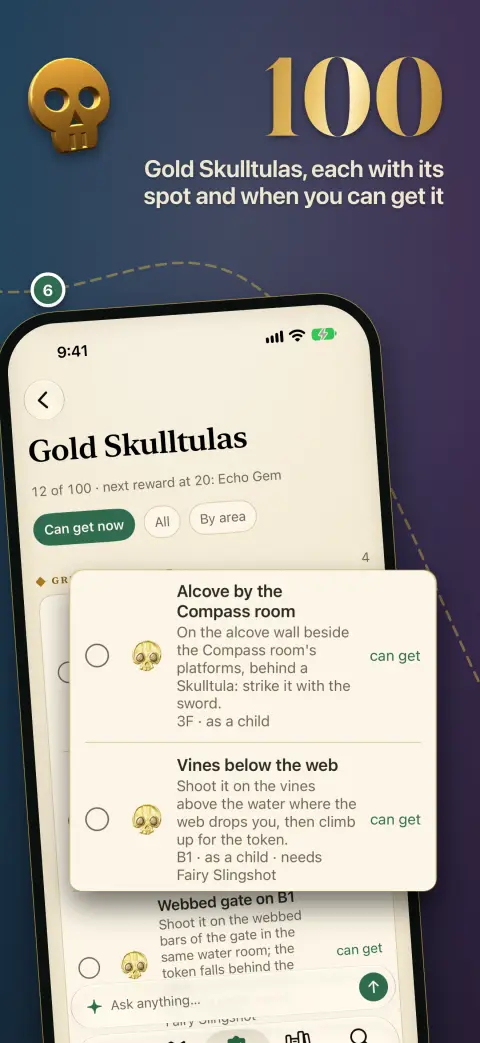
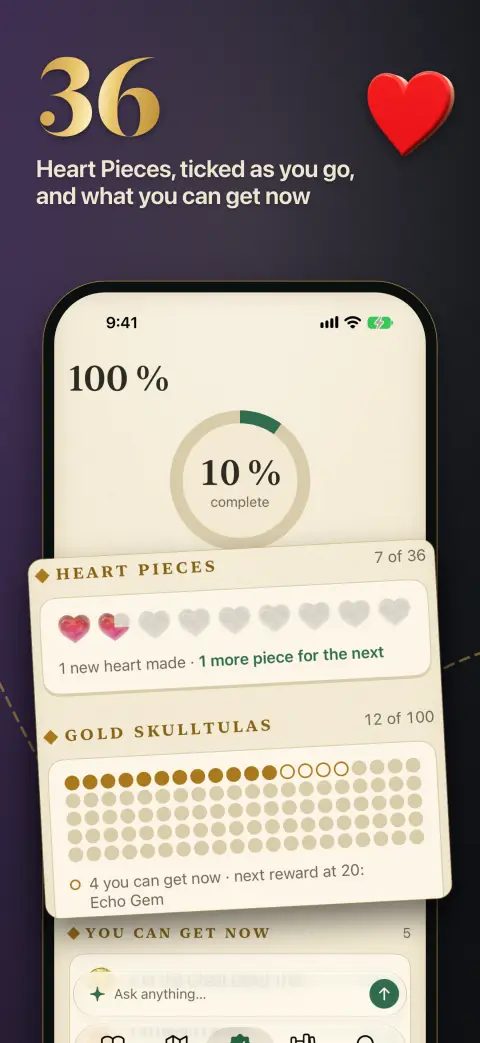
A strategy guide for The Legend of Zelda: Ocarina of Time on Nintendo Switch 2, made like the printed guides: chapters to read next to the game, the map of every step, and nothing told before you get there.
It opens at your page
- 18 chapters, from Kokiri Forest to Ganondorf's Castle, and 12 side quests: 838 numbered steps to tick as you play.
- Each step comes with its map, numbered pins and pictures of the spot. Done ticks it and brings the next one under your thumb; the screen stays on while you read.
- Boxes in the text say what the remake changed.
Stuck?
- A nudge first, then a hint, then the solution: you choose how much you are told.
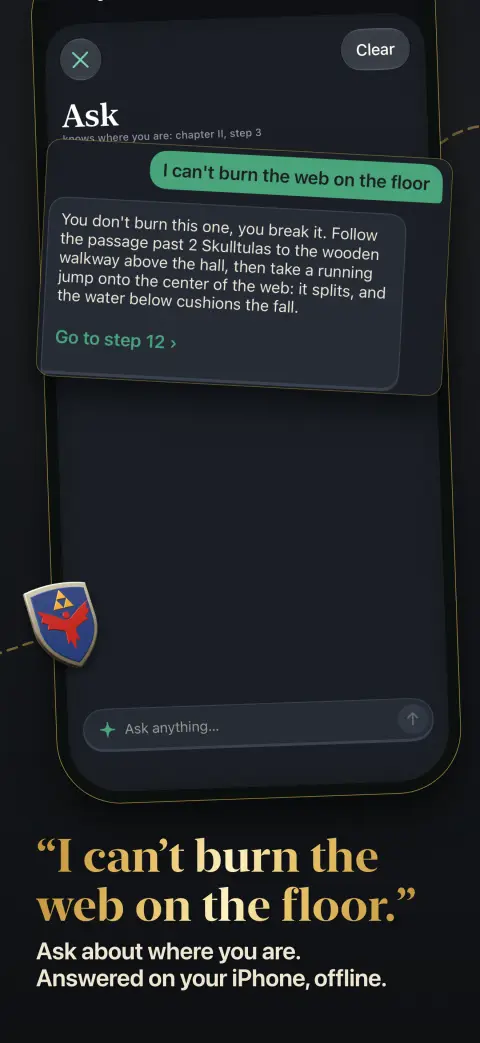
- Ask a question about where you are: it is answered on your iPhone, from the guide's pages up to your chapter. Nothing leaves the device (Apple Intelligence, iOS 26).
No spoilers
- Chapters ahead stay blurred and the adult era stays sealed until you reach it. Search and Ask stop at your chapter.
- At the end of each chapter: what you left behind.
100 %
- The 36 Heart Pieces, the 100 Gold Skulltulas, the songs, the bottles, the Great Fairies and the upgrades, with what you can get now.
- Before you pull the sword: what to collect as a child.
Maps
- Hyrule as a child and as an adult, and 52 maps of areas and dungeon floors, with numbered pins.
Library
- Items, songs, bosses, enemies, shops, mini-games, masks, the trading quest and what the remake changed.
On iPad, a second screen next to the TV: the sidebar, the steps, and the map of your step beside them.
Help
Unofficial guide, written in our own words. Not affiliated with, endorsed or sponsored by Nintendo. The Legend of Zelda and Ocarina of Time are trademarks of Nintendo. The game's screenshots, icons and maps come from Zelda Wiki and Zelda Central and belong to Nintendo.